

Building an Automated Internal Knowledge Base: Leveraging LangChain and Vector Databases for Instant Employee Queries
Stop wasting time searching through PDFs and Slack threads; build an AI-powered brain for your enterprise.
The Problem with Tribal Knowledge
In most B2B organizations, information is fragmented. It lives in scattered Google Drive folders, buried in archived Slack channels, or locked inside legacy HubSpot notes. When a new hire joins or a sales rep needs a specific technical spec, they spend hours hunting for answers. This is where enterprise RAG knowledge base development with LangChain and vector databases changes the game.
At Deepak Automation, we don't just talk about AI; we build production-grade systems that turn your static documentation into a dynamic, queryable asset. By leveraging Retrieval-Augmented Generation (RAG), we allow your team to ask natural language questions and receive precise, cited answers in seconds.
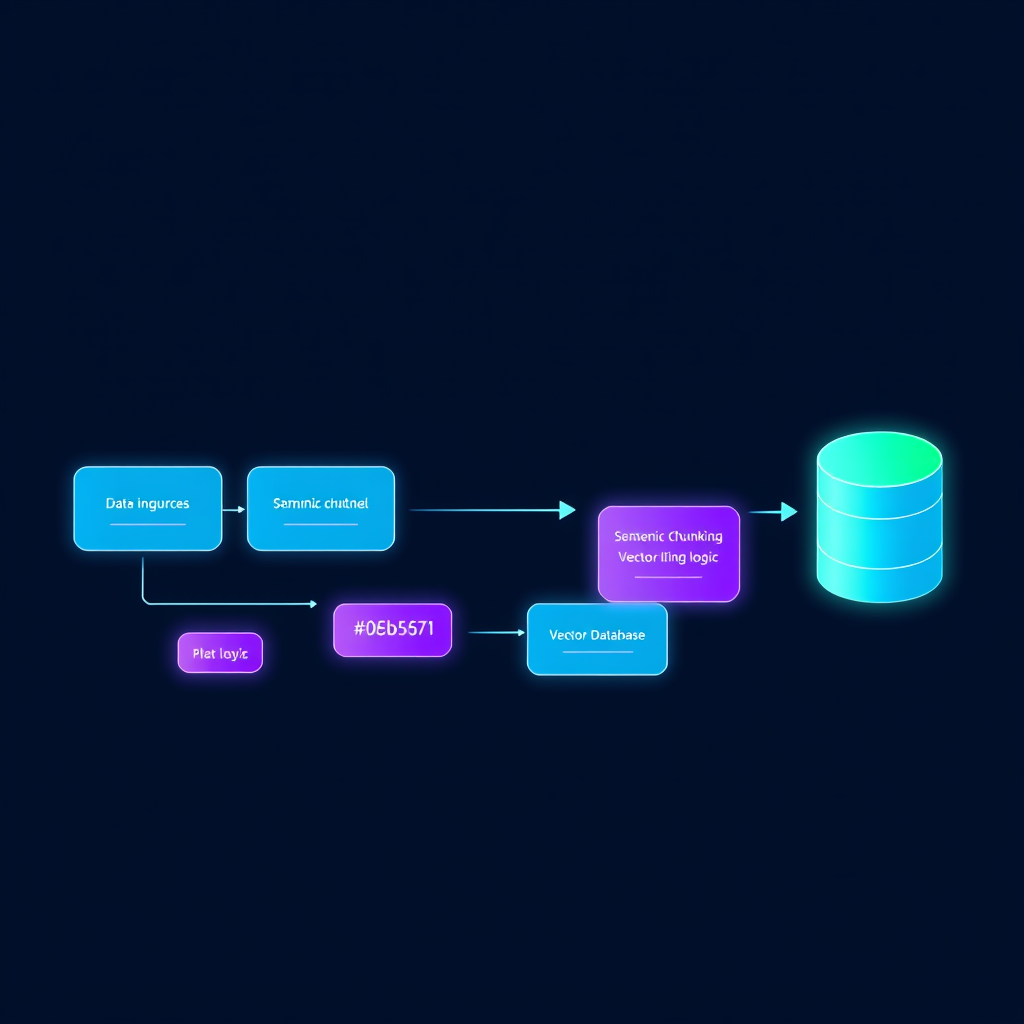
The Architecture: How We Build It
To build a robust internal knowledge base, you need a pipeline that handles data ingestion, embedding, and retrieval. Here is the stack we typically deploy for our clients:
1. Data Ingestion and ETL
We start by centralizing your data. Using n8n, we create workflows that watch for updates in Google Sheets, Airtable, or Notion. When a document is updated, the workflow triggers an ingestion pipeline.
2. Chunking and Embedding
Raw text is too large for LLMs to process efficiently. We use LangChain to split documents into semantic chunks. These chunks are then converted into vector embeddings using OpenAI’s text-embedding-3-small or large models. These embeddings represent the "meaning" of your text in a high-dimensional space.
3. Vector Storage
We store these embeddings in a vector database like Pinecone or Weaviate. This allows for semantic search—meaning if a user asks "How do I reset the API key?", the system finds the relevant paragraph even if the exact words "reset" or "API" aren't in the query.
Case Study: Scaling Support for a SaaS Client
We recently worked with a mid-sized SaaS company struggling with support ticket resolution times. Their engineers were spending 30% of their day answering repetitive questions from the sales team.
The Solution: We implemented an enterprise RAG knowledge base development with LangChain and vector databases. We connected their internal documentation and technical wikis to a Slack bot.
The Outcome:
- Query Time: Reduced from 20 minutes (searching/asking) to 15 seconds (AI response).
- Accuracy: The system provided citations for every answer, allowing users to verify the source.
- Scalability: The system handled 400+ concurrent queries during a product launch without human intervention.
Why LangChain is the Industry Standard
When you are building for the enterprise, you need more than just a prompt. You need orchestration. LangChain allows us to manage memory, handle complex chains of thought, and integrate with external tools via REST APIs. Whether you need to pull a customer's status from HubSpot before answering a question or log the interaction in a database, LangChain provides the modularity to make it happen.
Implementation Steps for Your Team
If you are ready to start your own enterprise RAG knowledge base development with LangChain and vector databases, follow this roadmap:
- Audit your data sources: Identify where your "source of truth" lives. Is it in PDFs, Confluence, or internal APIs?
- Clean the data: Garbage in, garbage out. Ensure your documentation is up to date before indexing.
- Build the pipeline: Use n8n to automate the sync between your data sources and your vector database.
- Develop the retrieval logic: Use LangChain to implement a "hybrid search" (combining keyword search with semantic vector search) for maximum accuracy.
- Deploy and iterate: Start with a Slack or Microsoft Teams interface so employees can query the system in their natural workflow.
Beyond Simple Q&A
Once the foundation is built, the possibilities expand. We often integrate these knowledge bases with agentic workflows. For example, if an employee asks about a client's contract status, the system doesn't just return a text snippet—it queries the HubSpot API, checks the contract date, and summarizes the current status in real-time.
This is the power of modern automation. It is not just about storing information; it is about making that information actionable.
Ready to Build Your AI Brain?
Building a custom RAG system requires a deep understanding of both LLM limitations and robust API integration. If you want to avoid the common pitfalls of hallucination and data leakage, you need an expert partner.
Explore our Automation Services & Capabilities to see how we can help you integrate AI into your existing tech stack.
Don't let your company's knowledge remain trapped in static files. Book a Free Automation Audit today, and let's discuss how we can implement a high-performance knowledge base for your team.