

Automating B2B Customer Support: Building an AI-Powered Slack Helpdesk with n8n and OpenAI
Scale your support operations by building an intelligent, autonomous Slack helpdesk using n8n and OpenAI.
The Engineering Challenge: Scaling Support Without Scaling Headcount
In the B2B SaaS world, customer support is often the bottleneck to growth. As your user base expands, your support team gets buried in repetitive "how-to" questions, password resets, and status checks. At Deepak Automation, we see this pattern constantly: high-value engineers and account managers spending 60% of their day acting as human routers for basic information. Implementing an n8n and OpenAI AI-powered Slack helpdesk automation for B2B is not just a luxury; it is a structural necessity for scaling operations.
By leveraging Automation Services & Capabilities, we move away from static, clunky ticketing systems and toward conversational, agentic workflows that live where your team already works: Slack.
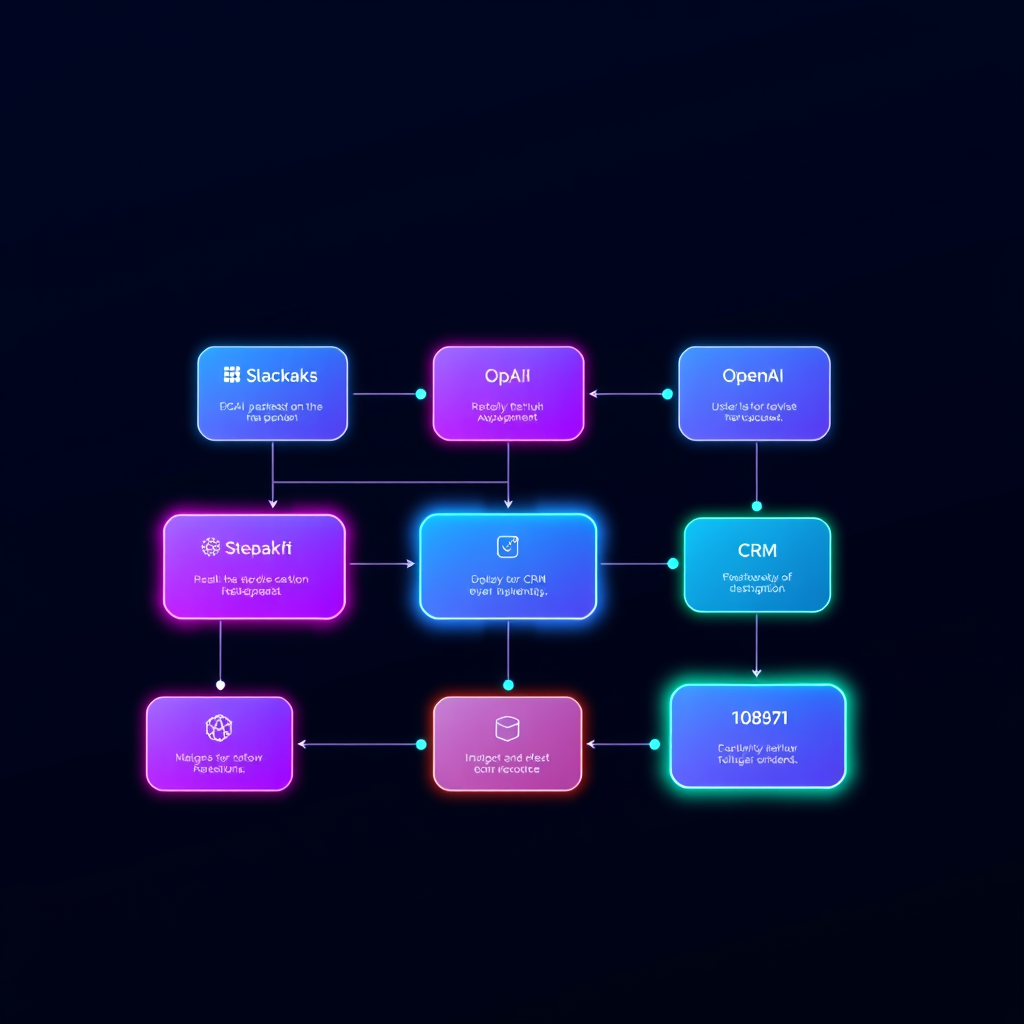
The Architecture: How We Build AI-Powered Slack Helpdesks
To build a robust helpdesk, you need more than just a chatbot. You need a system that understands context, retrieves data from your internal knowledge base, and executes actions in your CRM. Here is the stack we use:
- n8n: The orchestration engine that handles the logic, API calls, and state management.
- Slack API: The interface for user interaction.
- OpenAI (GPT-4o/o1): The reasoning engine that interprets intent and generates human-like responses.
- LangChain: Used within n8n to manage memory and vector store retrieval (RAG).
- HubSpot/Airtable: The source of truth for customer data and ticket logging.
Step 1: The Slack Event Listener
We start by configuring a Slack App with Event Subscriptions. When a user tags the bot in a channel or sends a DM, Slack sends a JSON payload to an n8n Webhook. This is the entry point of your automation.
Step 2: Contextual Retrieval (RAG)
Before sending the query to OpenAI, we perform a vector search. We store your internal documentation, FAQs, and past ticket resolutions in a vector database (like Pinecone or Supabase). Using n8n’s LangChain nodes, we retrieve the most relevant snippets based on the user's query. This prevents hallucinations and ensures the AI answers based on your specific product documentation.
Step 3: The Reasoning Loop
We pass the user's query + the retrieved context to OpenAI. We use a system prompt that enforces a specific tone and requires the AI to identify if the query is a "Support Request" or a "General Inquiry." If it is a support request, the workflow triggers a branch to create a ticket in HubSpot or Jira via API.
Case Study: Reducing Ticket Volume by 70%
We recently worked with a B2B fintech client struggling with a 48-hour response time. They were drowning in repetitive queries about API documentation and billing cycles.
We implemented an n8n and OpenAI AI-powered Slack helpdesk automation for B2B that integrated directly with their internal Notion docs and HubSpot CRM.
The Results:
- Immediate Response: 85% of queries were resolved instantly by the AI bot.
- Human Handoff: When the AI couldn't solve the issue, it automatically created a high-priority ticket in HubSpot, assigned it to the correct account manager, and posted a summary in a private Slack channel.
- Outcome: The support team saw a 70% reduction in ticket volume within the first month, allowing them to focus on complex technical escalations rather than password resets.
Why n8n is the Superior Choice for B2B Automation
Unlike rigid SaaS platforms, n8n gives you full control over your data. You aren't locked into a vendor's proprietary AI model or limited by their API rate limits. With n8n, you can host the workflow on your own infrastructure, ensuring data privacy and compliance—a non-negotiable for B2B enterprises.
Furthermore, the ability to chain complex REST API calls means your helpdesk can do more than just "chat." It can check a user's subscription status in Stripe, update a deal stage in HubSpot, or trigger a deployment in GitHub—all from a single Slack message.
Ready to Automate Your Support Operations?
Building an AI-powered helpdesk is an iterative process. It requires careful prompt engineering, robust error handling, and deep integration with your existing tech stack. If you are ready to stop manually routing tickets and start building an autonomous support engine, we are here to help.
Don't let manual processes hold back your growth. Book a Free Automation Audit with our team today, and let’s map out how we can integrate AI into your Slack workflow to save your team hundreds of hours per month.