

Building a Real-Time Project Resourcing Engine: Syncing Jira, Slack, and Airtable with n8n
Stop manual tracking and start scaling: How to build a unified resource management engine using n8n.
The Bottleneck: Why Manual Resourcing Fails
In high-growth B2B organizations, the gap between Jira (where the work happens) and Airtable (where the strategy lives) is often filled by manual spreadsheets and frantic Slack messages. This is where most project managers lose their edge. When you are automating project resource management with n8n Jira and Airtable integration, you aren't just saving time—you are creating a single source of truth that allows for real-time capacity planning.
At Deepak Automation, we see the same pattern repeatedly: engineers update Jira tickets, but the resource manager has no idea if a developer is over-allocated until the sprint review. By leveraging n8n, we can bridge these silos, ensuring that every ticket update triggers a cascade of data synchronization across your stack.
The Architecture: How We Build the Engine
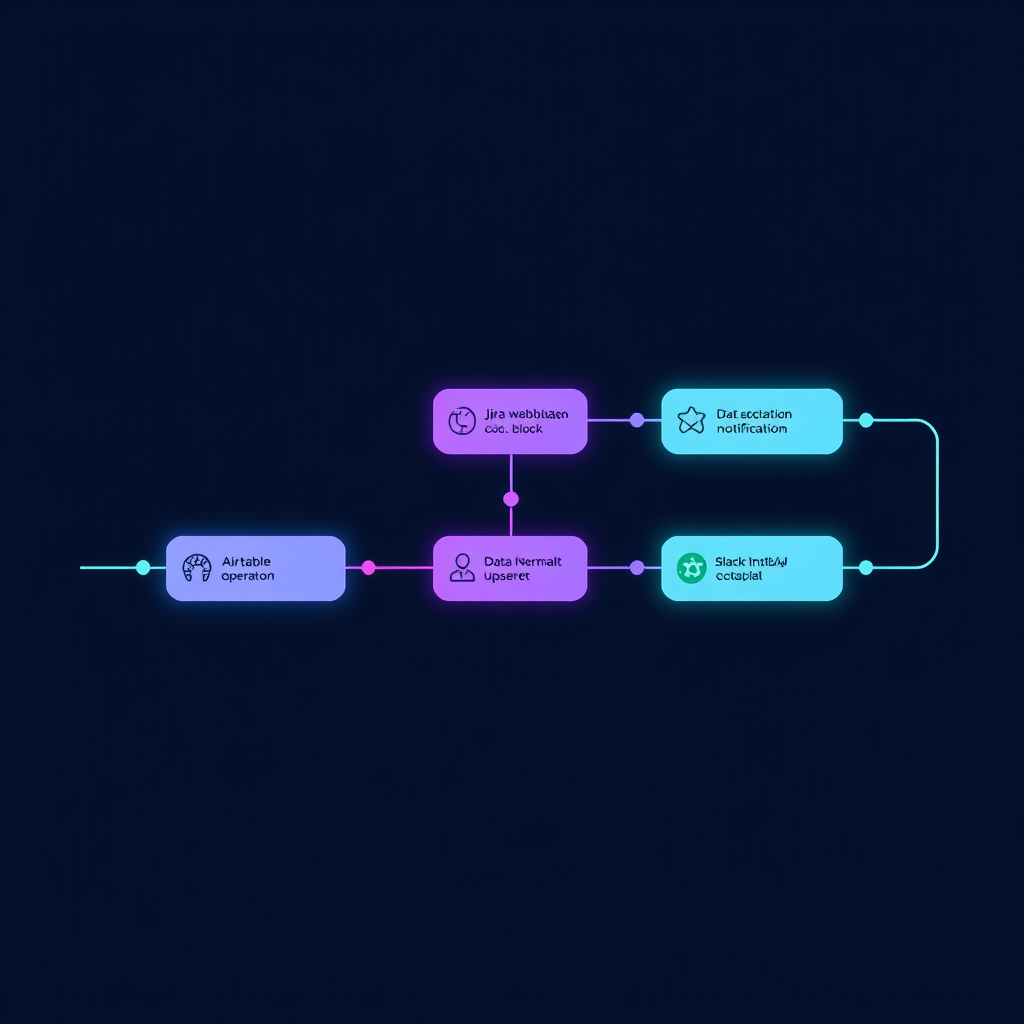
To build a robust resourcing engine, we move away from brittle, point-to-point integrations. Instead, we use n8n as the central nervous system. Here is the technical breakdown of how we architect these workflows.
1. The Jira Webhook Trigger
Everything starts with the Jira API. We configure a webhook in n8n that listens for specific events: issue_updated or issue_created. We filter these events to focus on status changes or assignee updates.
2. Data Normalization with n8n
Once the data hits n8n, we don't just pass it through. We use the Code node to normalize the payload. We map Jira's complex JSON structure into a clean, flat object that Airtable understands. This is critical for maintaining data integrity when automating project resource management with n8n Jira and Airtable integration.
3. The Airtable Upsert
We use the Airtable API to perform an 'upsert' operation. We look for a record matching the Jira Issue Key. If it exists, we update the status and hours; if not, we create a new entry. This ensures your Airtable base is always a mirror of your Jira board.
4. Slack Notification Loop
Finally, we push a summary to a dedicated Slack channel. Using the Slack node, we format a message that includes the project name, the assignee, and the estimated hours. This keeps the team informed without requiring them to leave their flow.
Case Study: Scaling Resource Visibility for a SaaS Scale-up
We recently worked with a SaaS company struggling with a 40-person engineering team. Their resource management was entirely manual, relying on a Google Sheet that was updated once a week. By the time the data was reviewed, it was already obsolete.
We implemented a custom n8n workflow that:
- Syncs Jira ticket estimates to Airtable in real-time.
- Calculates remaining capacity per developer based on their current Jira load.
- Alerts the Project Manager via Slack if a developer's capacity exceeds 40 hours per week.
The Result: The client reduced their weekly manual reporting time from 8 hours to zero. More importantly, they identified a 15% under-utilization rate in their engineering team, allowing them to pull forward two major product features that were previously delayed.
Why n8n is the Superior Choice for Engineering Teams
Unlike low-code platforms that hide the logic, n8n gives us full control over the execution. We can use JavaScript to handle complex logic, integrate with Automation Services & Capabilities via REST APIs, and even incorporate OpenAI or LangChain for intelligent ticket summarization.
When you are automating project resource management with n8n Jira and Airtable integration, you need a system that is transparent and debuggable. n8n’s visual interface allows our engineers to trace every execution, ensuring that if an API call fails, we know exactly why.
Beyond the Basics: Adding AI to the Mix
Once you have the data flowing, the next step is intelligence. We have been experimenting with using LangChain within n8n to analyze Jira ticket descriptions. By passing these descriptions to an LLM, we can automatically suggest 'complexity scores' and update the Airtable record accordingly. This turns your resourcing engine from a passive tracker into an active planning assistant.
Ready to Build Your Own Engine?
Building a custom resourcing engine is not just about connecting APIs; it is about designing a workflow that fits your team's specific cadence. If you are tired of manual data entry and want to see how we can help you scale your operations, we are here to help.
Check out our Blog for more deep dives into our technical stack, or if you are ready to see what is possible for your specific infrastructure, Book a Free Automation Audit today. Let's get your systems talking to each other.