

The Zero-Touch Expense Approval Workflow: Automating Receipt Processing with n8n, OpenAI, and QuickBooks
Stop manual data entry. Build a scalable, AI-driven expense pipeline that handles receipts from capture to ledger.
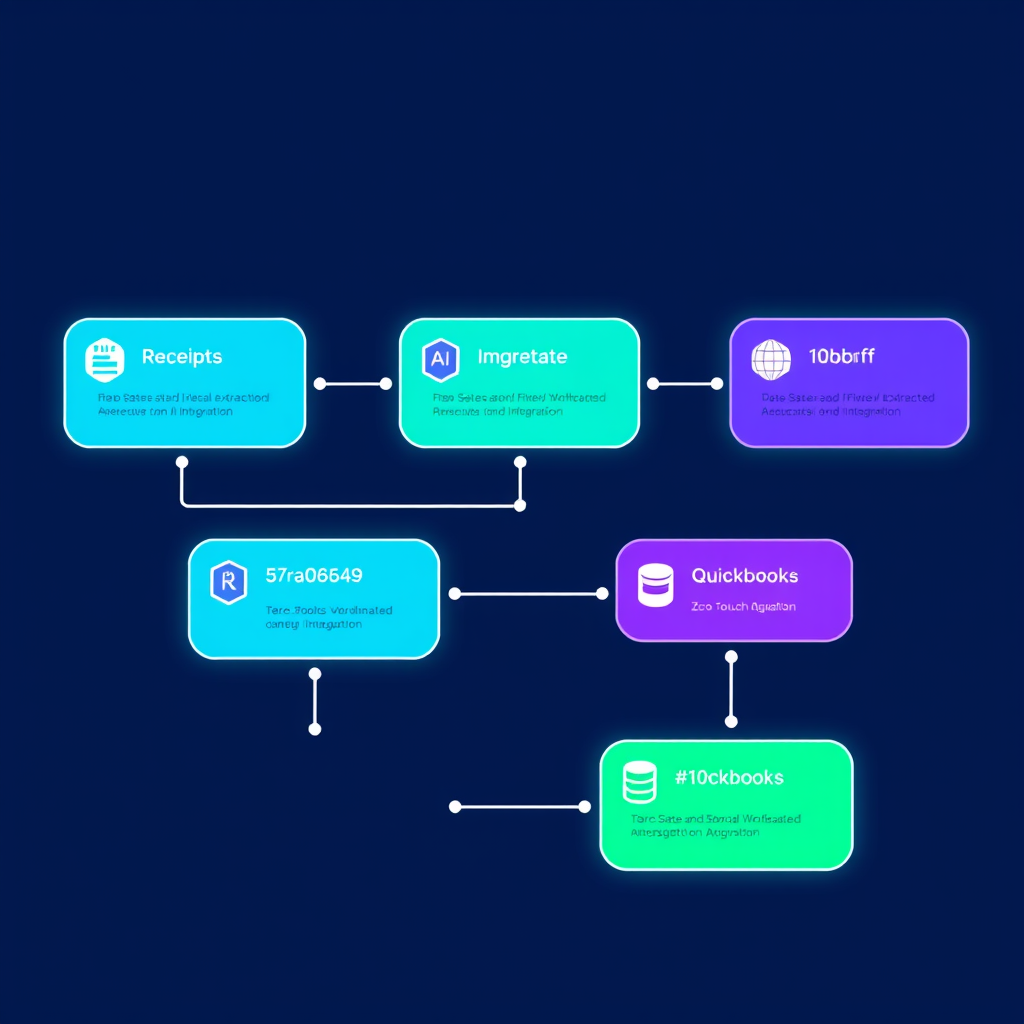
Manual expense management is a silent killer of operational efficiency. In many B2B organizations, finance teams spend hours each week manually transcribing receipt data into QuickBooks, chasing employees for missing details, and reconciling spreadsheets. At Deepak Automation, we believe this is a solved problem. By implementing an automated expense approval workflow using n8n and OpenAI for B2B, you can reduce processing time by over 90% while eliminating human error.
The Architecture of a Zero-Touch Expense System
To build a truly "zero-touch" system, we move away from monolithic, expensive SaaS platforms and toward a modular, API-first architecture. Our stack typically involves:
- n8n: The orchestration engine that handles the logic, error handling, and API communication.
- OpenAI (GPT-4o): The intelligence layer that extracts structured JSON data from unstructured receipt images.
- QuickBooks Online: The system of record for financial data.
- Slack/Microsoft Teams: The interface for employee submission and manager approval.
Step 1: Receipt Ingestion and OCR
The workflow begins when an employee uploads a receipt to a dedicated Slack channel or a simple web form. Using n8n, we trigger a webhook that captures the file. We then pass the image to OpenAI’s Vision API. Unlike traditional OCR, which often struggles with crumpled or low-quality receipts, GPT-4o excels at identifying the merchant, date, total amount, tax, and currency, even in challenging conditions.
Step 2: Data Normalization and Validation
Once the AI extracts the data, we don't just push it to QuickBooks. We perform a validation step. We check the extracted total against a threshold; if it exceeds a certain amount, the workflow automatically routes the request to a manager via Slack for a "One-Click Approval." This is where our Automation Services & Capabilities really shine—we build custom logic that ensures compliance before a single dollar hits your ledger.
Step 3: Syncing to QuickBooks
After approval, n8n maps the JSON output to the QuickBooks REST API. We create a new expense entry, attach the original receipt image as a PDF, and mark the transaction as 'Reviewed'. If the vendor doesn't exist in QuickBooks, the workflow can even trigger a secondary process to create the vendor record automatically.
Case Study: Scaling Finance Operations
We recently worked with a mid-sized B2B consultancy that was processing 400+ expenses monthly. Their finance lead was spending 15 hours a week on manual entry. By deploying an automated expense approval workflow using n8n and OpenAI for B2B, we reduced their processing time to less than 2 hours per week—most of which was spent simply reviewing the automated summary reports.
Key outcomes included:
- 95% reduction in manual data entry.
- Real-time visibility: Expenses are now synced to QuickBooks within minutes of submission.
- Audit-ready: Every receipt is automatically archived in a secure cloud bucket with a direct link in the QuickBooks memo field.
Why n8n is the Superior Choice for Finance Automation
Many teams try to use Zapier for this, but for complex financial workflows, n8n offers distinct advantages. First, it allows for self-hosting, which is critical for companies with strict data privacy requirements. Second, the ability to write custom JavaScript within nodes allows us to handle complex currency conversions, tax calculations, and conditional logic that standard "if-this-then-that" tools simply cannot manage.
Building Your Own Pipeline
If you are ready to move beyond manual spreadsheets, start by mapping your current "happy path" for an expense. Ask yourself:
- Where do receipts currently live? (Email, Slack, physical paper?)
- What are the specific approval thresholds for your managers?
- Which fields are mandatory for your QuickBooks integration?
Once you have these answers, you can begin building the workflow. If you find yourself stuck on API authentication, complex JSON parsing, or error handling, that is exactly where we step in. We specialize in building robust, production-grade automation that doesn't break when the edge cases occur.
Ready to Automate Your Finance Stack?
Building an automated expense approval workflow using n8n and OpenAI for B2B is just the beginning. Once you have the infrastructure in place, you can extend it to automate vendor payments, invoice reconciliation, and even payroll reporting.
Don't let manual processes hold your team back. Let's look at your current bottlenecks and design a system that scales with your business. Book a Free Automation Audit today, and let's get your finance operations running on autopilot.